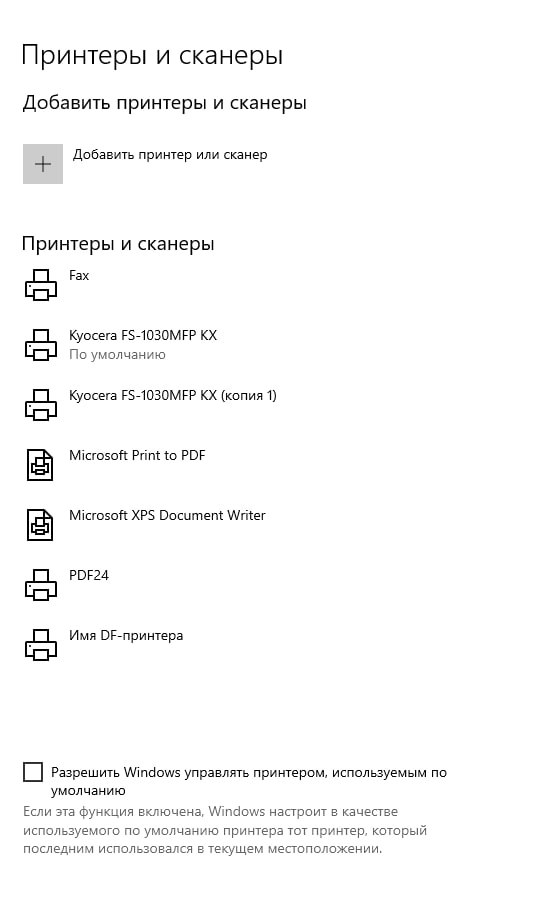
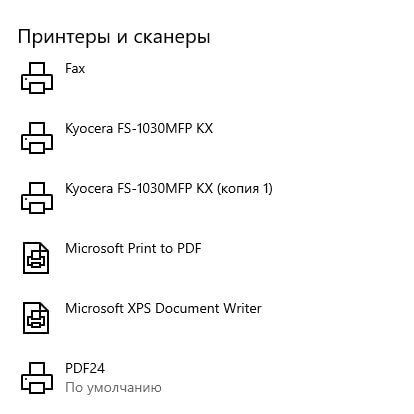
After converting a file to PDF, the default printer does not revert to the previous one. I saw a similar issue on the forum, and it was mentioned that this occurred in the German version.
Test procedure:
1. Set the default printer.
2. Check that it is set correctly.
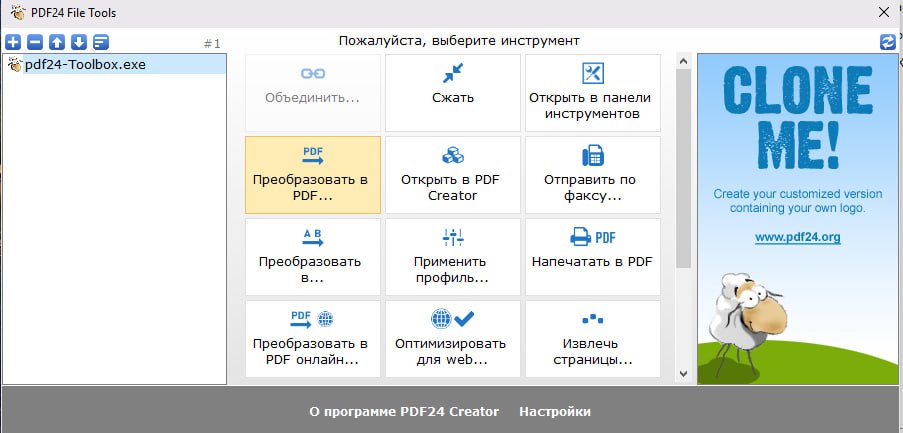
3. Convert a file to PDF.
4. Try to print. I observe that the printer has changed to PDF24.
5. The default printer is now PDF24.
Screenshots are attached.
Enabling “Let Windows manage my default printer” does not help. Removing the printer breaks the program.
I haven’t looked into the registry.
On another PC, everything works fine.
The problematic PC uses a Windows 10 image: “Win10_IoT_Enter_LTSC_2021_21H2_x64_Ru_OVG_04.2026”.
Thanks in advance for your help.
This text was translated by the Qwen neural network.