Since version 11.34.0, "Create electronic invoice" in the PDF24 Toolbox starts with the new generator right away. The previous one is still available with the switch "Switch to the old version". New in the generator:
- Self-billed invoices as a series: Serial invoices can also be self-billed invoices to many suppliers. The supplier (also small businesses) and its account come from the table.
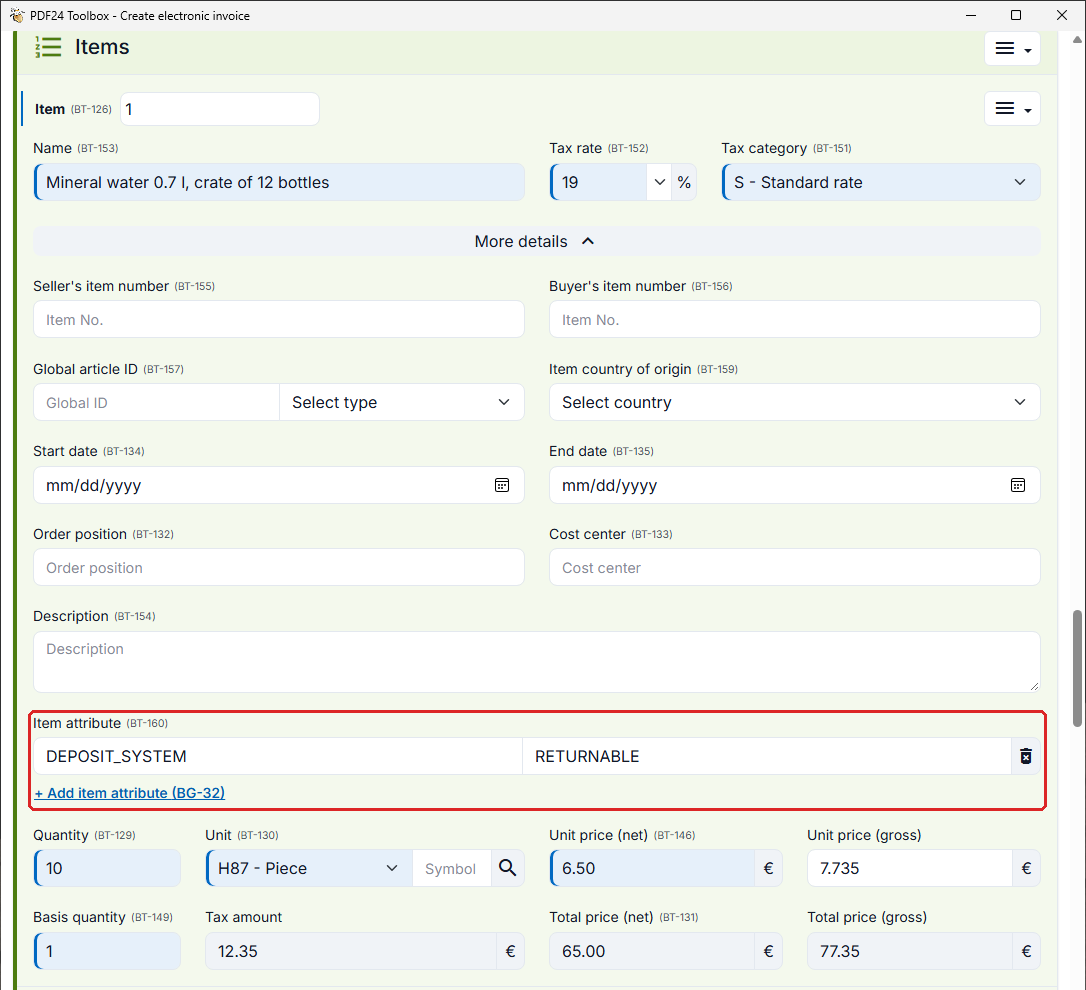
- Item attributes: With "Add item attribute" you enter a name and a value per line item, for example DEPOSIT_SYSTEM = RETURNABLE for deposits. The attributes are written to ZUGFeRD, XRechnung and UBL and are taken over when importing.
- Allowances and charges on top of each other: Allowances and charges of a line item can be calculated one on top of the other, each on the amount after the ones before.
- Small amount invoices: Up to 250 EUR gross (section 33 UStDV), the street, postcode and city of the buyer are no longer required. Where the German rules apply (XRechnung, Peppol with a German seller), postcode and city remain mandatory.
"Validate e-invoice" now offers "Print validation report" for a single invoice as well. And if you only have an invoice as a PDF: the new tile "PDF invoice to e-invoice (online)" under Invoices opens the matching online tool on tools.pdf24.org in the browser.