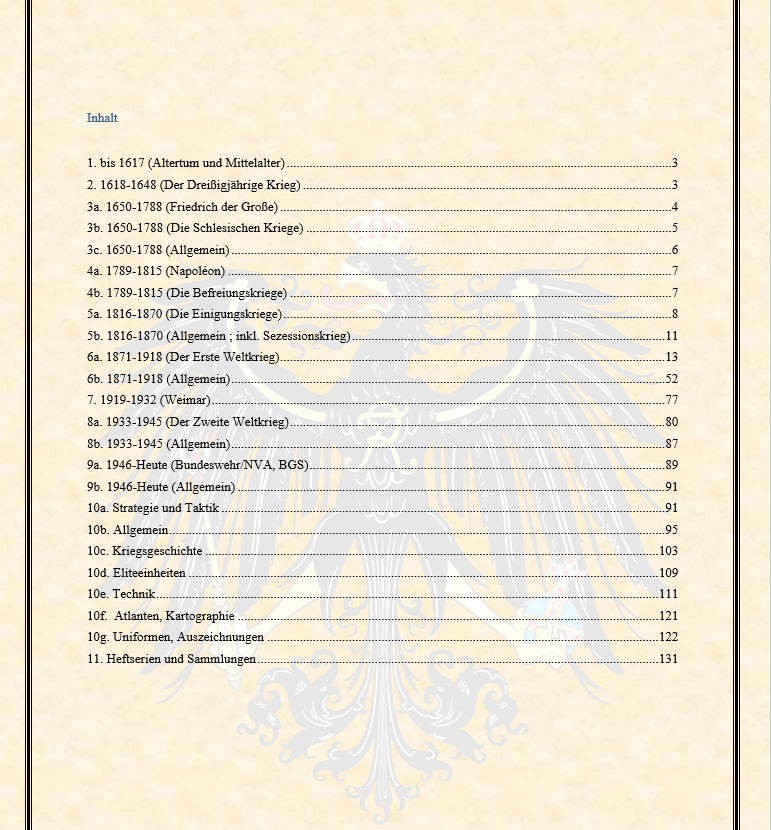
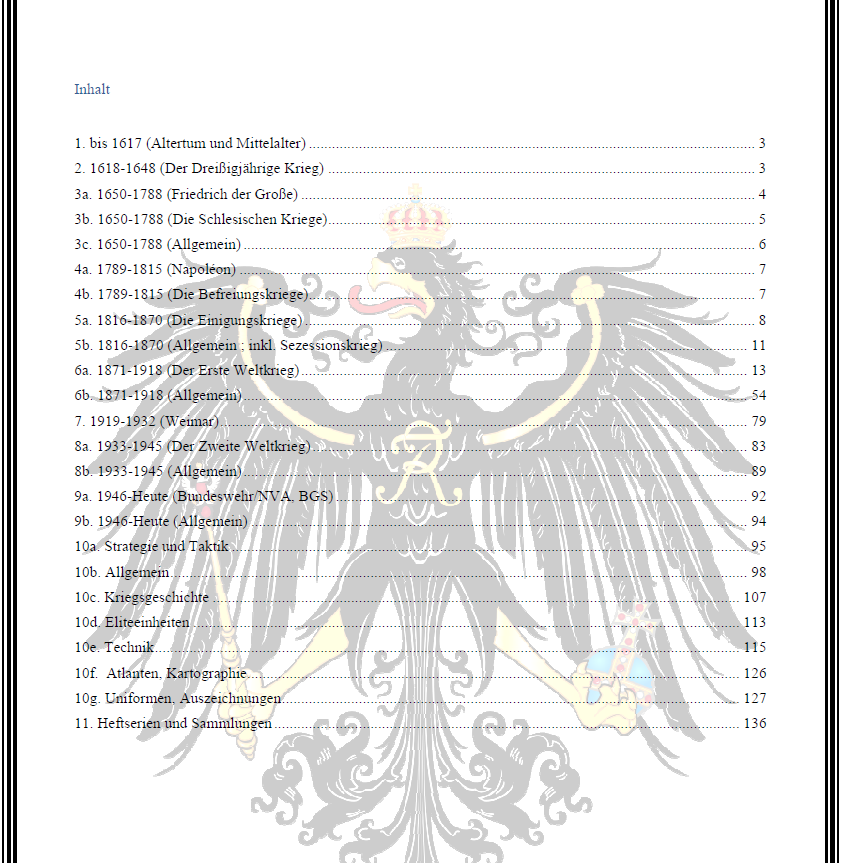
Hello,
PDF24 converts Word files with Microsoft Word itself: Word creates the PDF, and if that does not work, the document is printed from Word to the PDF24 printer. The same applies when you print from Word to the PDF24 printer yourself. PDF24 does not remove colours.
Please try the following:
- Update PDF24 Creator to the current version, if you have not done so yet.
- In Word, check the option Print background colors and images (File > Options > Display > Printing options). When Word prints a document, it usually only includes a page colour if this option is turned on.
If the colour is still missing after that, please tell us how you create the PDF (printing from Word to the PDF24 printer or converting in the PDF24 Toolbox). To allow us to reproduce it, please send a file where this happens to forum@pdf24.org.