Hey!
I've got a rather big problem with my PDF24 PDF-printer.
I'm trying to print a PDF-file that was encrypted with the FileOpen-plugin into a separate PDF. I have the necessary decryption data, so the file is open, but FileOpen only allows me to print the file with a "regular" printer (meaning: ink & paper). However, I just want a separate PDF without the FileOpen DRM, because the server for the online DRM is buggy as hell. Furthermore, the company seems to be unable to remove the encryption, because they've got no idea how and the IT guy seems to be either on holiday or got fired (...). Hence I want to try to preserve the contents in the PDF and prevent being locked out later on when the servers are being shut down (or whatever else happens) and can't verify the access information anymore. I do have the right to print these PDFs.
However, when I select the PDF24 PDF-printer in the "print"-menu, the FileOpen-plugin denies me the printing option with the reasoning that "this printer is not allowed for secure printing".
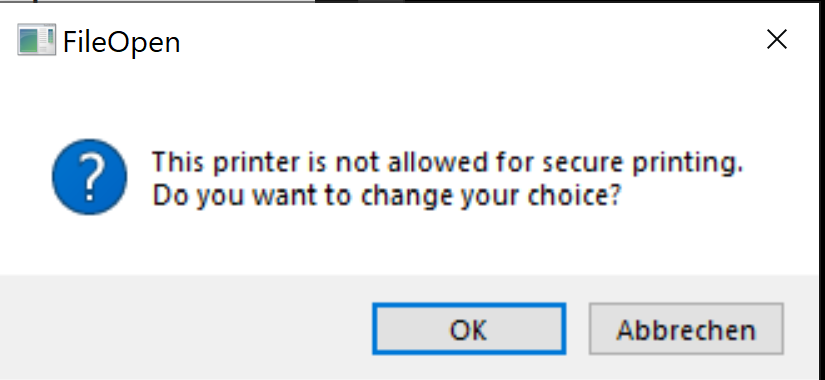
The program only allows me to print the file(s) with a normal inkjet printer. This is absolutely catastrophic, because the files have an absurdly high number of pages and would mean a GIGANTIC workload if I would have to print each one out, sort it etc. (and would need more paper than I have here). I would also be unable to edit the PDF-files.
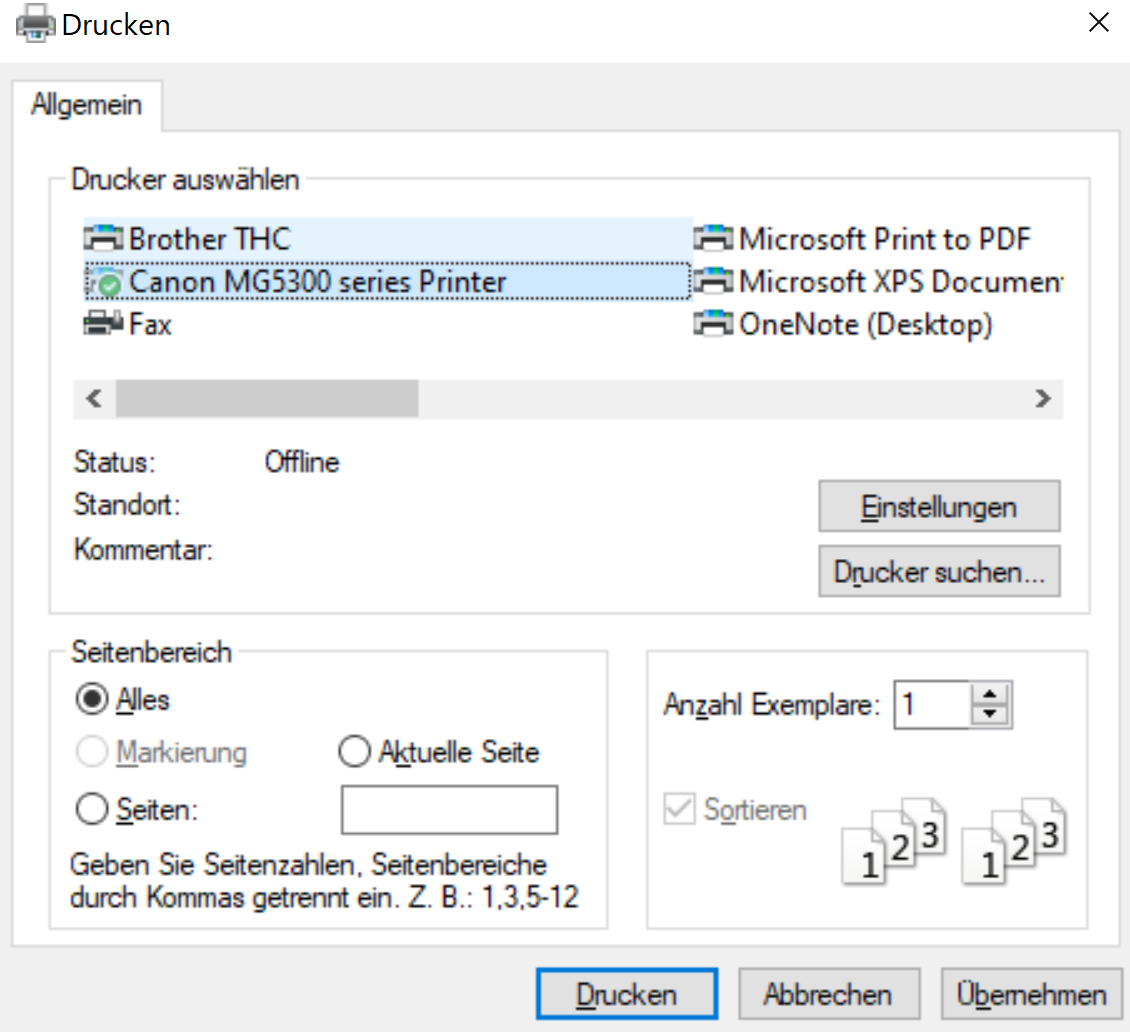
The program only allows printing from "real printers". These seem to be marked with a little green checkmark in the Windows print menu (see above: Canon MG5300 series Printer). I tried a workaround with CutePDF Writer (which seems to imitate a real printer driver), but it seemingly can not reproduce the trait needed for the green "real printer"-checkmark. Therefore, I can't print the PDF with PDF24 or CutePDF Writer.
Thus I am trying to find out if there is a way to make the PDF24 PDF printer emulate/show up as a regular printer rather than a virtual one.
Is this somehow possible?