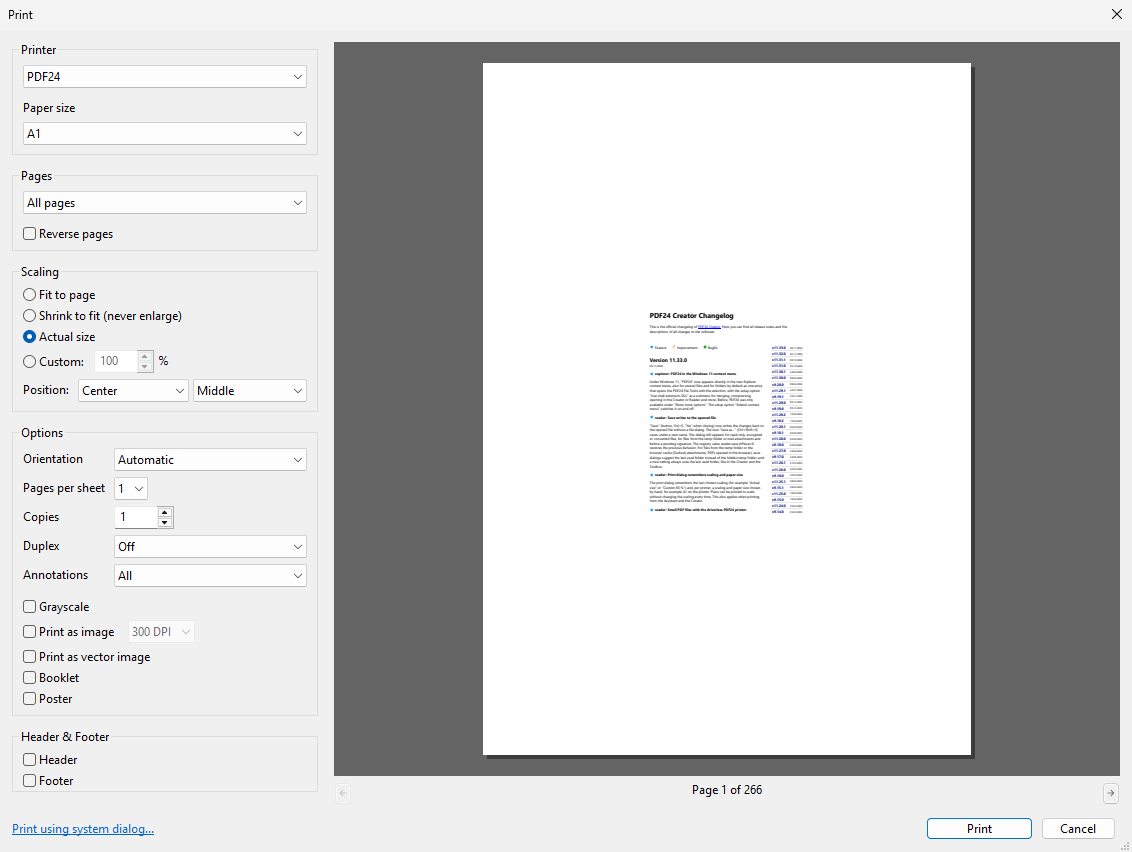
If you print plans or drawings, you often have to set the scaling and paper size again for every print. Since version 11.33.0, the print dialog of PDF24 Reader remembers the last chosen scaling, for example "Actual size" or "Custom 85 %". For each printer it also remembers a scaling and paper size chosen by hand, for example A1 on the plotter.
This way you print plans to scale without changing the settings every time. This also applies when printing from the Assistant and the Creator.