Home › Forums › PDF24 Online Tools › Bookmark Save Errors (Local & Online)
- This topic has 5 replies, 1 voice, and was last updated 2 days, 9 hours ago by PDF24 Support.
-
AuthorPosts
-
2025-07-14 at 04:53 #63986pitchParticipant
Hi PDF24 people!
Thank you for your work on this helpful software. <3
Today, I am hoping to resolve or understand a Save PDF issue with the Edit Bookmarks feature. Editing all seems to work perfectly, but the Save PDF process returns errors with this specific file. Full details are as follows:
- My aim is to fix publisher errors in the organisation of a specific document's bookmark tiers.
- Bookmarks are not added or deleted, only their position in the bookmark hierarchy is changed.
- Different error messages are returned, but the same issue is replicable, and occurs both online and locally.
Using PDF24 on my local system (PDF24 v11.27.0):
- Open: Open with Toolbox > Edit PDF Bookmarks
- Usage: Click bookmark > Move Left or Move Right to correct bookmark errors
- Save: Once corrected, Save PDF > PDF24 begins processing
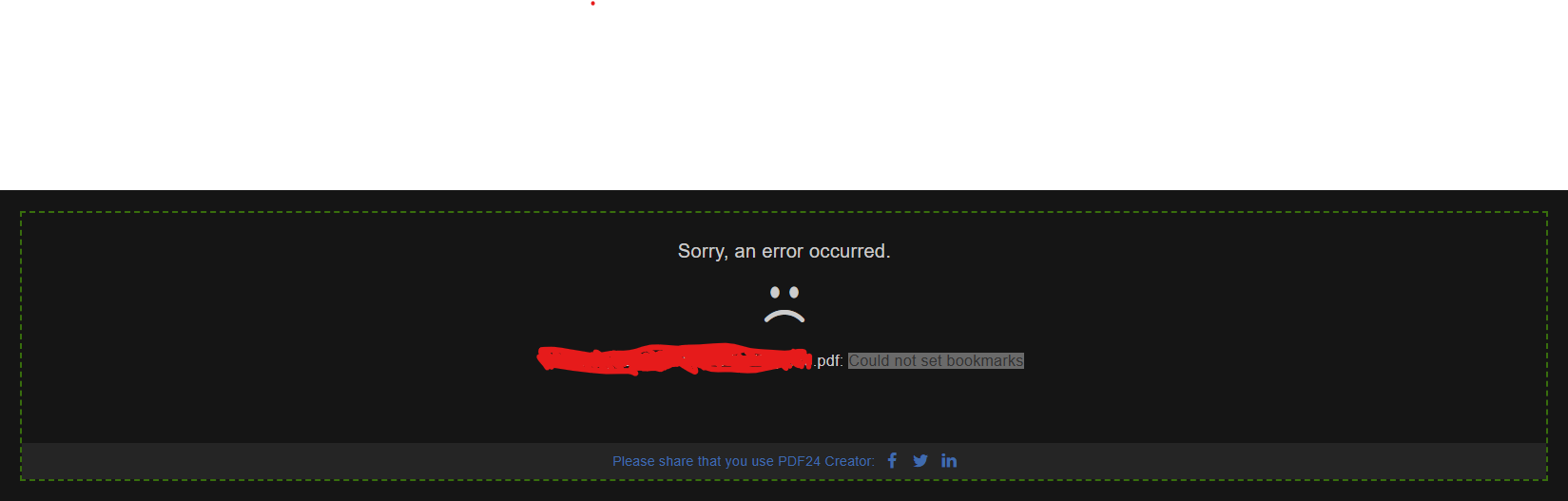
- Error Message: "Could not set bookmarks"
Using PDFD24 Online using the Edit Bookmarks page:
- Via: https://tools.pdf24.org/en/edit-pdf-bookmarks#
- Use/Save: (as described above)
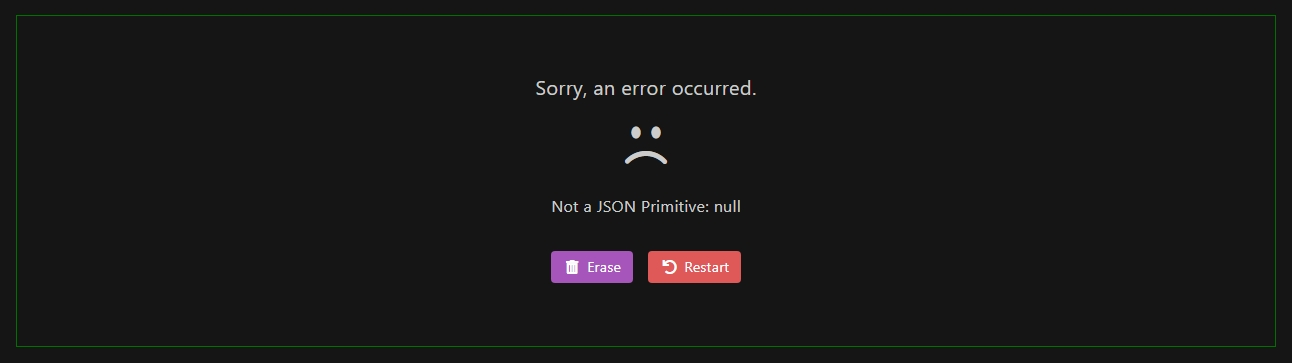
- Error Message: "Not a JSON Primitive: null"
My understanding of the issue here is limited. I am unsure if the problem is with the PDF itself, PDF24s execution of the Save process, or perhaps something I am doing incorrectly.
Could anyone help here, please?
Best,
Pitch
 2025-07-14 at 05:39 #63987Stefan ZieglerKeymaster
Please send the problematic PDF file and a description or screenshots to forum@pdf24.org so that I can check that.
2025-07-14 at 08:49 #64627pitchParticipantSure. I'll sort that out shortly for you. Appreciate the reply, thank you. 🙂
2025-07-14 at 10:44 #64628Stefan ZieglerKeymasterThe problem should now be fixed with the online tool. The fix for the offline tool comes with the next version of the software..
2026-09-03 at 22:08 #64399userpdf24ausParticipantHad a similar error online, with the app there is no feedback unless you know that it doesn't bring up the windows explorer save dialog box after pressing save, but no error message.
Error: Not a JSON Array: nullI opened the exported JSON file in notepad+++ and found rdest in the file instead of just dest like the others that worked.
I did a find a replace for rdest to dest and it worked.2026-10-29 at 19:28 #64799PDF24 SupportModeratorHello,
thank you for the analysis, that was exactly the right lead. The bookmarks that fail point to a named destination (a name instead of a page) that does not exist in the PDF. The editor then stores the entry with an empty fallback target (
"rdest": null), and saving stops with "Not a JSON Array: null". This happens in the online tool https://tools.pdf24.org/en/edit-pdf-bookmarks and in PDF24 Creator alike. This is a bug, we have passed it on to development.Until then your workaround is fine: after replacing
rdestwithdestin the exported file, these bookmarks are saved without a target. They had no valid target in the PDF before either.That the desktop version shows no message in this case and the save does not continue is fixed with the next version: it will then report the error, and you can save again.
-
AuthorPosts
- You must be logged in to reply to this topic.