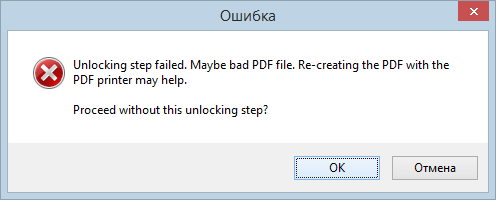
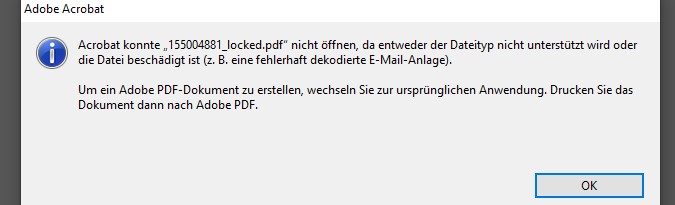
This can be if the file is not correct. Simply click OK, if the file is not password protected. This often works because the next tool can maybe handle this PDF.
You can suppress this message if you set the following property in the registry:
HKEY_LOCAL_MACHINE\SOFTWARE\WOW6432Node\PDFPrint
HKEY_CURRENT_USER\Software\PDFPrint
ignorePdfUnlockFailed [DWORD] = 1
So you have to set the ignorePdfUnlockFailed option to 1 in the registry under one of the above paths. Then the message is skipped.
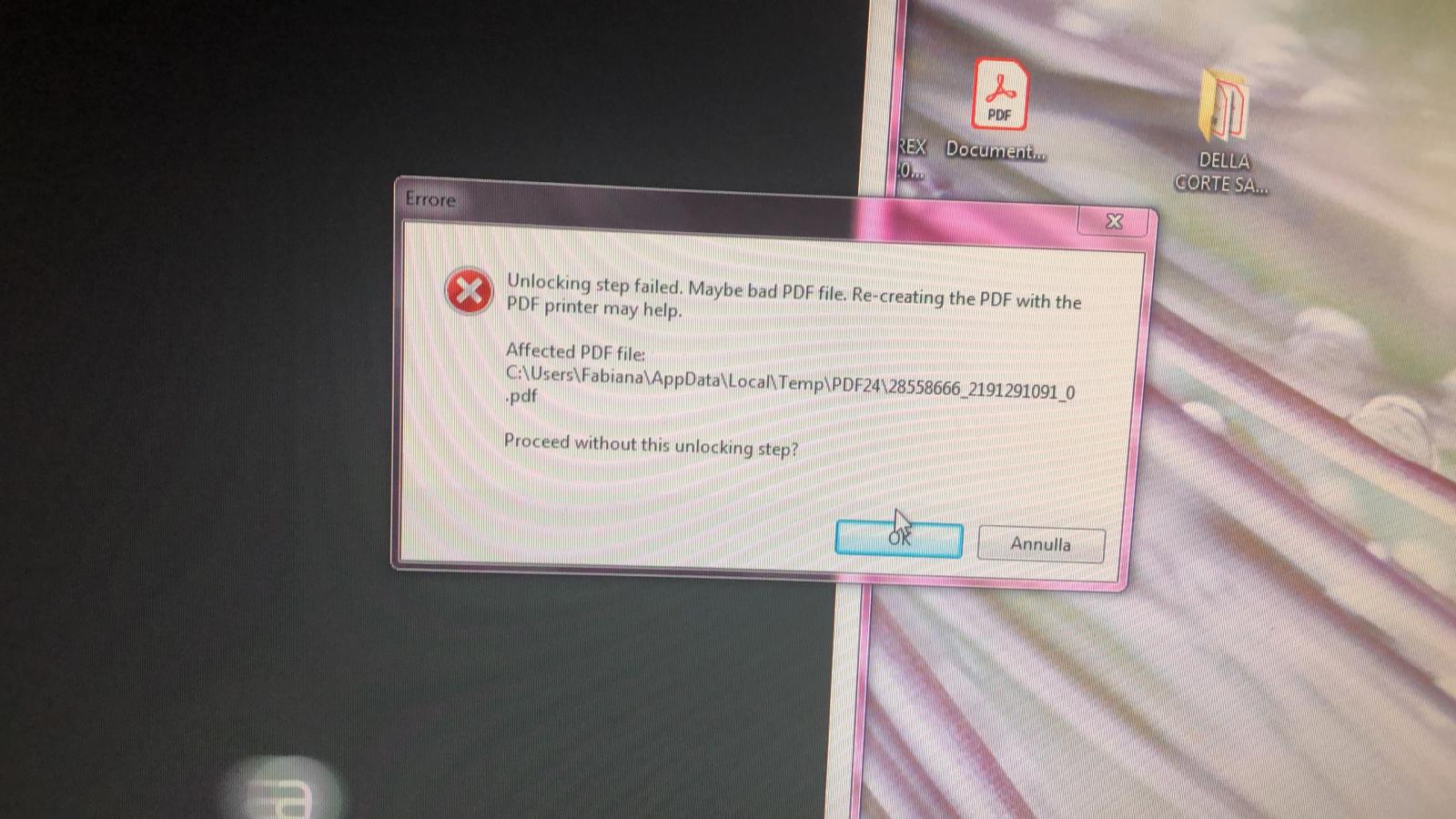 ystem is windows 7 Pro x64. I have already tried to uninstall Adobe Reader and PDF24 and use Cclenear to clean the PC and reinstall the software. I changed the default temp me tmp folder of windows, nothing to do. The same files, from another PC, work regularly with the pdf24 installed on that machine. What could be according to your experience?