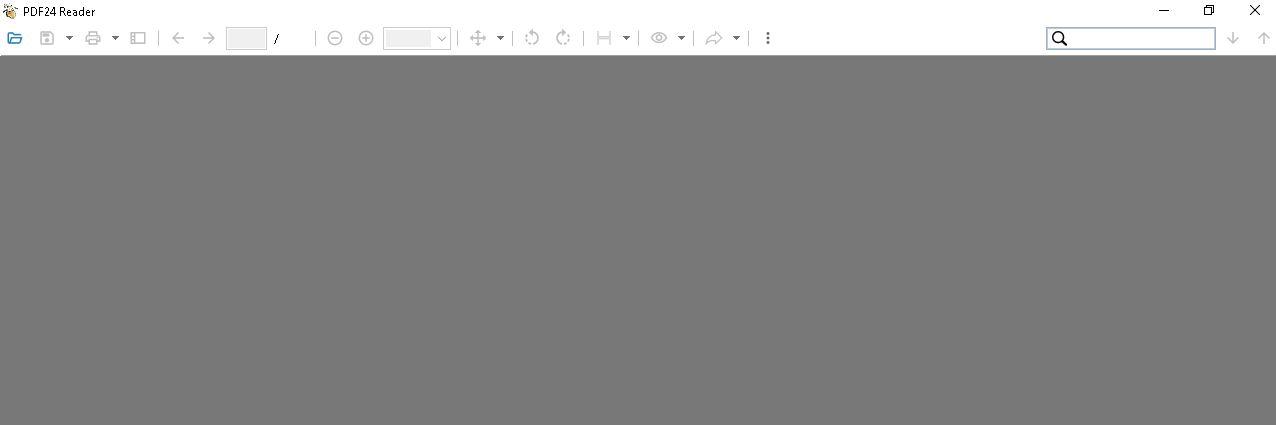
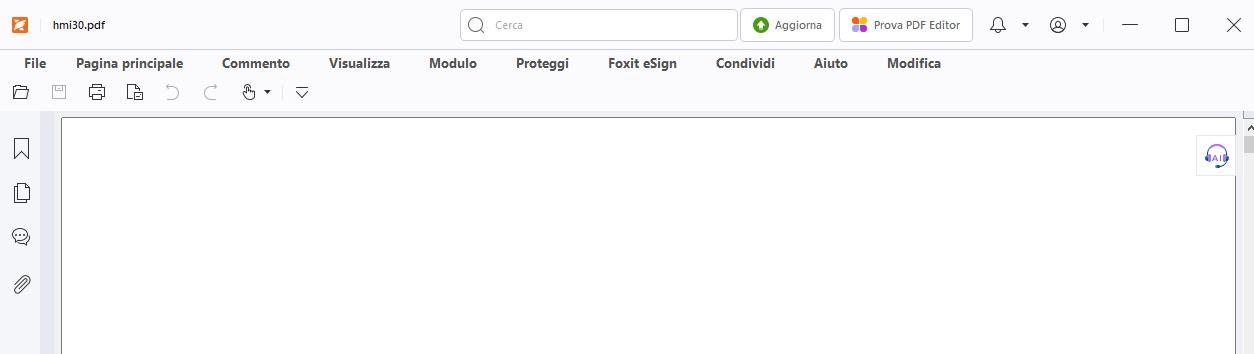
Hello,
the second screenshot does not show PDF24 Reader but Foxit PDF Reader, a program from another vendor (you can see "Foxit eSign" in its menu bar). On that PC, PDF files are opened with Foxit. If you prefer it, choose Foxit PDF Reader as the default app for PDF files in the Windows settings on the first PC as well. The look of PDF24 Reader cannot be changed to that of Foxit.
By the way, version 11.29.1 is not the latest. Since version 11.31.0, PDF24 Reader shows a start screen with your recently opened files when it is started without a file. The current version is available here: https://tools.pdf24.org/en/creator