Hello,
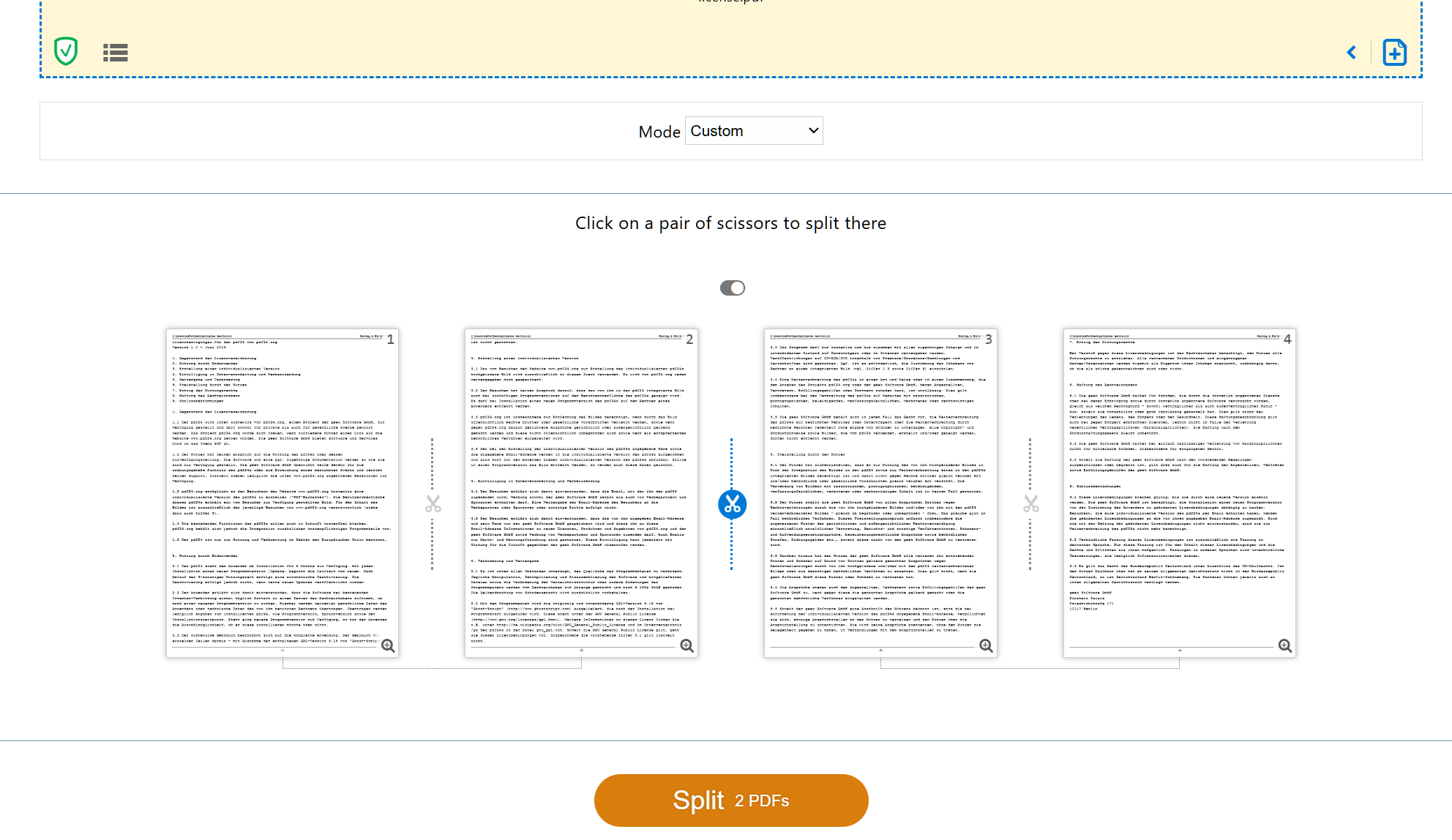
the scissors in Split PDF only appear between pages, so they can split a document into several files, but they cannot cut inside a page. Halve pages always cuts a page exactly in the middle. Cutting a page at another position, such as 60/40, is not possible at the moment.
As a workaround you can use Crop PDF twice on the same file: https://tools.pdf24.org/en/crop-pdf
- Crop the file so that only the first part remains (for a 60/40 split from top to bottom: set Bottom to 40% of the page height in mm, or drag the edge in Visual mode). Save the result.
- Crop the original file again so that only the second part remains (set Top to 60% of the page height). Save the result.
- If you want both parts in one file, combine them with Merge PDF: https://tools.pdf24.org/en/merge-pdf
Please note that cropping only hides the cut-off part, it remains in the file.
Thank you for the suggestion, we will add it to our list.