Hello,
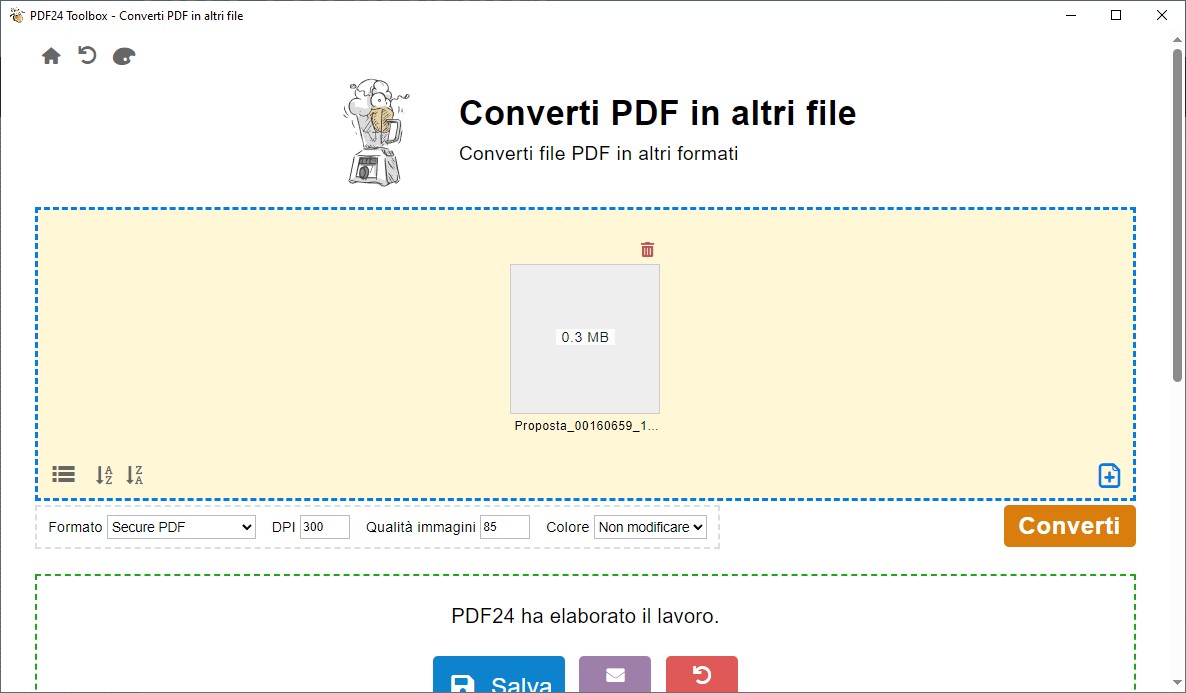
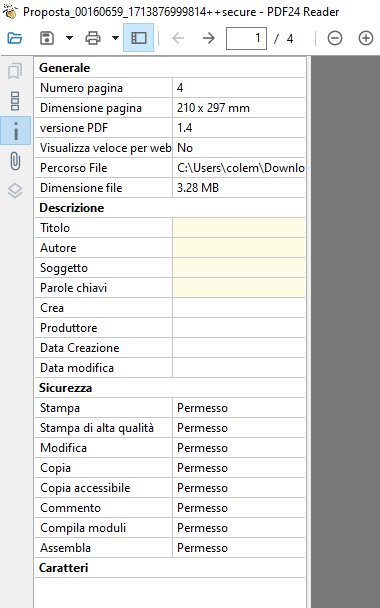
this is how it is meant to work. Secure PDF does not set a password or permissions. It renders every page as an image and builds a new PDF from these images. The result can no longer be searched, and text cannot be selected, copied or edited, and covered or hidden content is not carried over. That is also why the file is bigger than the original. With DPI and Image quality you can make it smaller.
For a password and permissions, use the Toolbox tool Protect PDF: there you set a User password (to open the file) and/or an Owner password and choose under Change permissions what is allowed (printing, copying of contents, modification, ...). Online: https://tools.pdf24.org/en/protect-pdf
You can also combine both: first Secure PDF, then Protect PDF on the result. The rasterizing alone is also available online: https://tools.pdf24.org/en/rasterize-pdf