Grayscale is fine, but sometimes it really has to be black and white: for faxing, for the laser printer, for archives and for upload portals with a tight size limit. Convert PDF to grayscale can now do more: under “Color depth” you choose between “Grayscale (8 Bit)” and “Black/White (1 Bit)”.
What true black and white gives you
- Much smaller files: every pixel is either black or white. Scans in particular often shrink to a fraction of their size.
- Crisp text: text and lines become solid black, even if they were coloured or light grey before. White text on a dark background stays white and readable.
- Photos and charts stay recognisable: photos are rendered as a fine dot pattern, like in a newspaper. Coloured areas get patterns of different density, so you can still tell the bars of a chart apart without colour. Colour gradients, for example in a header, fade from dark to light in steps instead of breaking off at a hard edge.
- Made for fax and archives: fax machines only work in black and white anyway. With a 1-bit PDF you see in advance what will arrive at the other end.
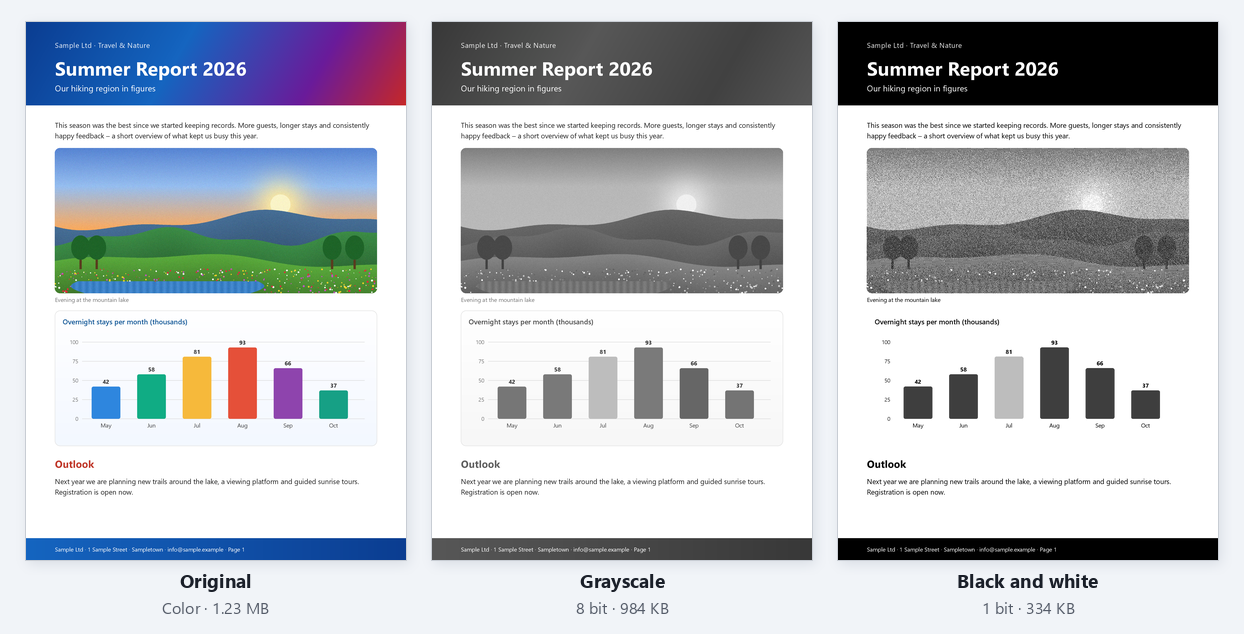
In our example, a three-page flyer with a photo and a chart, the file shrinks from 1.23 MB in colour to 984 KB in grayscale and to just 334 KB in black and white, a little over a quarter. Text and chart stay perfectly readable.
How it works
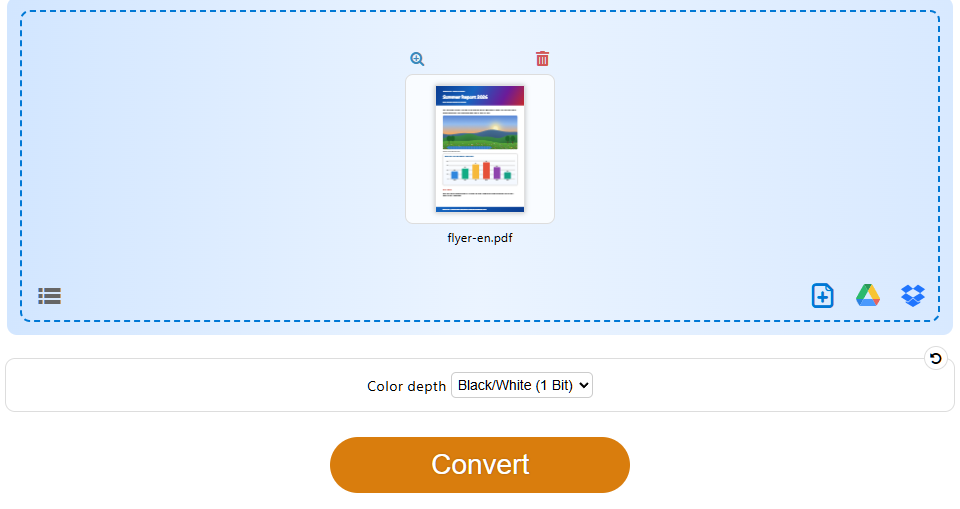
- Open Convert PDF to grayscale and drop your PDF file.
- Under “Color depth”, choose “Black/White (1 Bit)”. PDF24 remembers your choice for next time.
- Click “Convert” and download the result.
As always free and without sign-up, and your files are deleted from our servers automatically after one hour.