Hello,
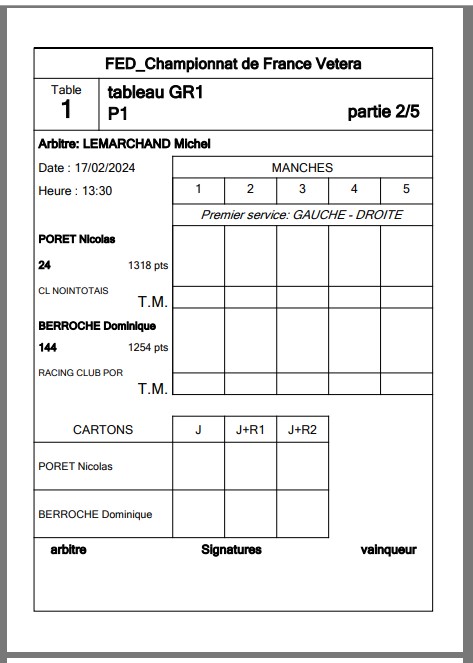
the PDF itself is fine: the PDF24 printer stored your pages in A6. When you print this PDF, the paper size is not taken from PDF24 but from the print dialog of the program you print with. If the paper size of your printer is still set to A4 there, the printer treats the A6 sheet as A4.
In PDF24 Reader (current version) please check this in the print dialog:
- "Paper size": choose A6 (or "Automatic by page size"). A6 is only listed if your printer offers it. If you chose A4 for this printer before, the dialog keeps that choice, so please change it once.
- "Scaling": choose "Actual size", so that the page is not enlarged or reduced.
If you print with another program, select A6 as paper size in its print dialog or in the printer properties as well.