Default printer automatically switches to PDF24

Home › Forums › PDF24 Creator › Default printer automatically switches to PDF24

Viewing 2 posts - 1 through 2 (of 2 total)
  • Author
    Posts
  • #64382
    wizard2026
    Participant

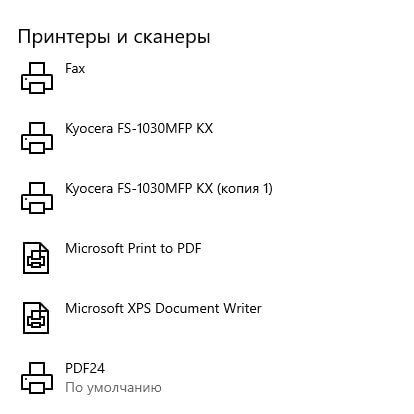
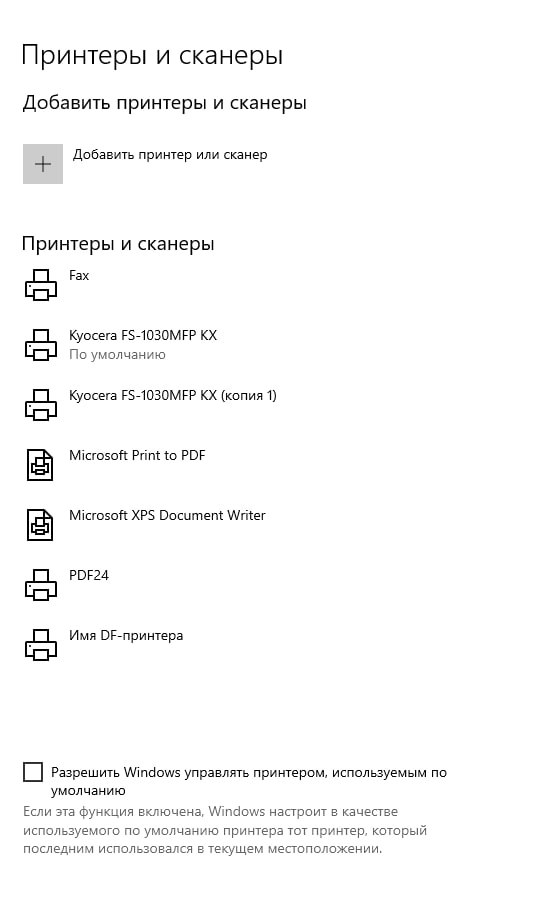
    After converting a file to PDF, the default printer does not revert to the previous one. I saw a similar issue on the forum, and it was mentioned that this occurred in the German version.

    Test procedure:
    1. Set the default printer.
    2. Check that it is set correctly.
    3. Convert a file to PDF.
    4. Try to print. I observe that the printer has changed to PDF24.
    5. The default printer is now PDF24.

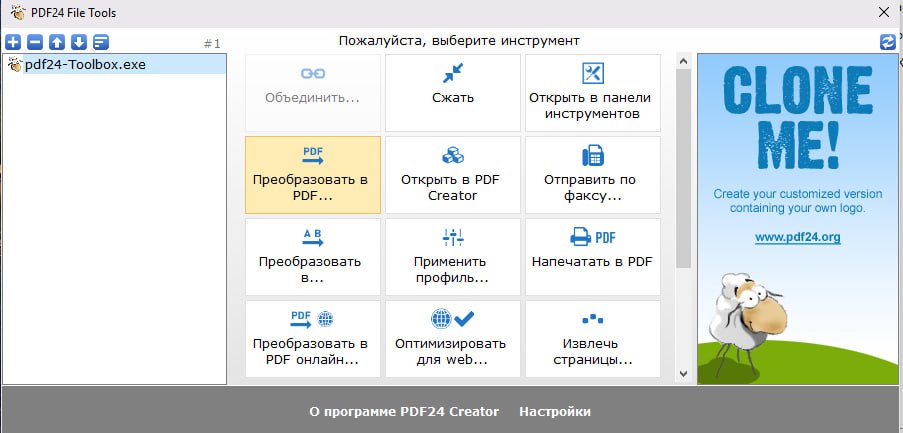
    Screenshots are attached.

    Enabling “Let Windows manage my default printer” does not help. Removing the printer breaks the program.

    I haven’t looked into the registry.
    On another PC, everything works fine.

    The problematic PC uses a Windows 10 image: “Win10_IoT_Enter_LTSC_2021_21H2_x64_Ru_OVG_04.2026”.

    Thanks in advance for your help.

    This text was translated by the Qwen neural network.
    #64679
    PDF24 Support
    Moderator

    Hello,

    thank you for the detailed description. Some background: files that PDF24 cannot convert itself are printed to the PDF24 printer with the program associated with the file type. For this, PDF24 temporarily makes the PDF24 printer the default printer and switches back to the previous default printer when the conversion is finished. On this PC, switching back apparently does not work.

    Please turn "Let Windows manage my default printer" off again. According to Microsoft, with this option on Windows makes the most recently used printer the default printer, and after a conversion that is the PDF24 printer.

    So that we can look into it, please tell us:

    • which version of PDF24 Creator is installed (the current version is 11.31.1),
    • which file type you convert and how (e.g. right-click on the file > PDF24 > Convert to PDF, in the PDF24 Creator window or in the PDF24 Toolbox),
    • whether it also happens with a PDF or image file,
    • whether an error message appears during the conversion.
Viewing 2 posts - 1 through 2 (of 2 total)
  • You must be logged in to reply to this topic.