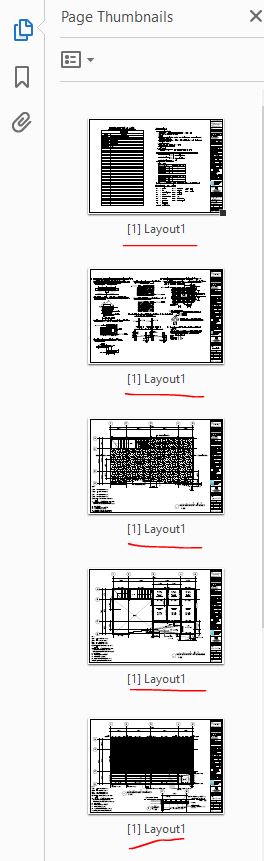
How to remove bookmark Home › Forums › PDF24 Creator › How to remove bookmark This topic has 2 replies, 2 voices, and was last updated 1 year, 6 months ago by Stefan Ziegler. Viewing 3 posts - 1 through 3 (of 3 total) Author Posts 2019-07-02 at 03:31 #6077 kingarthersParticipant When I merge pdf file, The file number is the name of the bookmark. Which is the same on every page such as Lay Out 1. Making it impossible to print. how can i remove bookmark form pdf's file. 2019-07-03 at 06:08 #6080 Stefan ZieglerKeymaster You could use the PDF24 Creator, oben the file and resave und disable the preserve annotations option in the save as dialog. 2025-05-02 at 08:02 #63912 Stefan ZieglerKeymaster PDF bookmarks can be edited, removed and new bookmarks can be added with the following PDF24 tool. https://tools.pdf24.org/en/edit-pdf-bookmarks This tool will be provided as an offline version with the upcoming version of PDF24 Creator. Author Posts Viewing 3 posts - 1 through 3 (of 3 total) You must be logged in to reply to this topic. Log In Username: Password: Keep me signed in Log In Log in / Register
 file.
file.