Select an Output Profile

Home › Forums › PDF24 Creator › Select an Output Profile

Viewing 6 posts - 1 through 6 (of 6 total)
  • Author
    Posts
  • #6107
    PDFIssue
    Guest

    Hello,

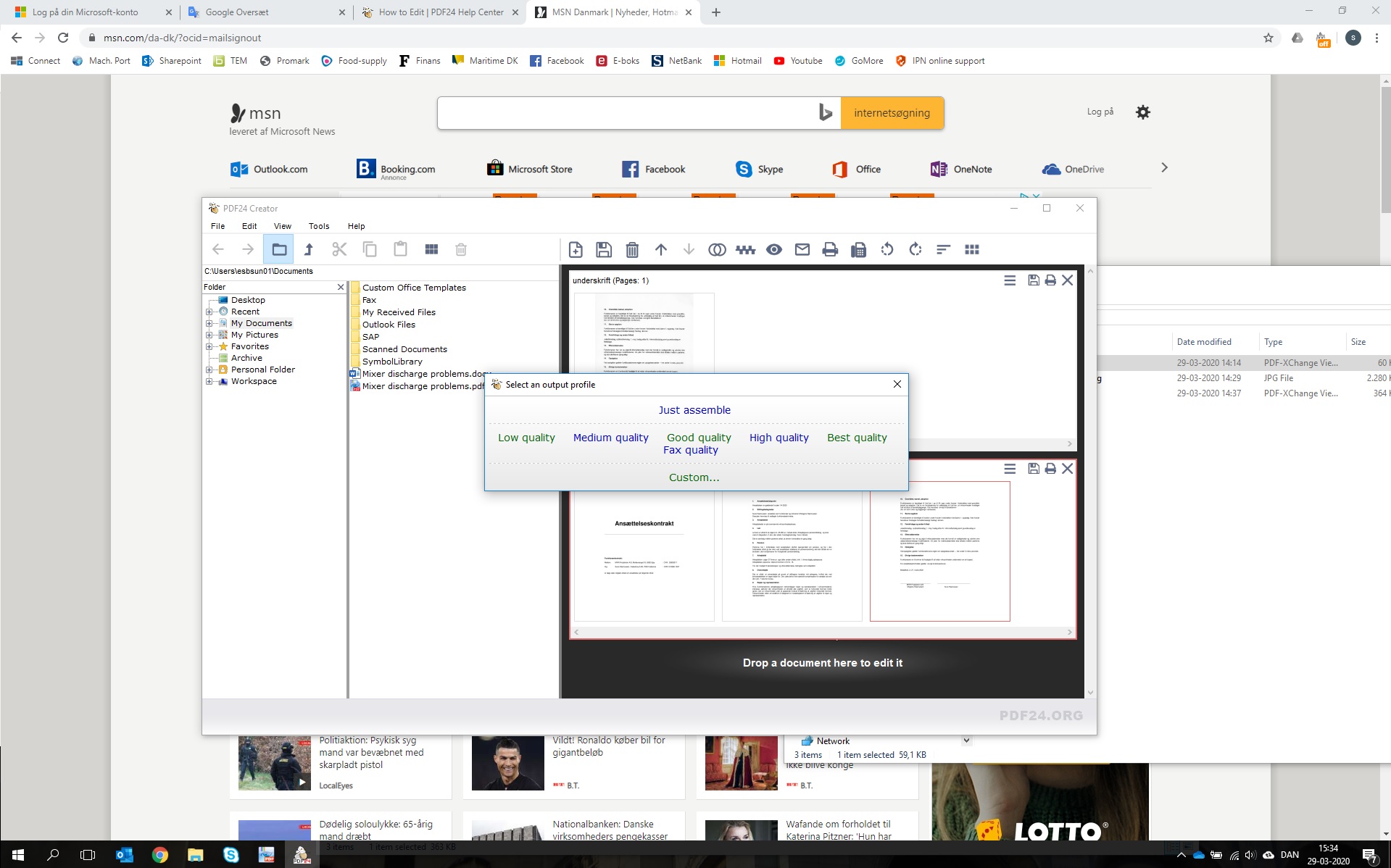
    I'm trying to drag one page of a PDF into another PDF and I keep getting a "Select Output Profile" window, then assembling & saving the document when I select a profile. However, the page does not move and I cannot drag into the other PDF.

    I have not encountered this issue previously before a recent update.

    Thank you.

    #6117
    Stefan Ziegler
    Keymaster

    I can not reproduce this behaviour. Please explain more detailed. You can also send screenshots and test files to forum@pdf24.org.

    Do you use the latest version 9.0.0?

    #6128
    PDFIssue
    Participant

    Hi Stefan,

    I attempted to use the forum e-mail but have not seen a response. This is the window I get when I simply try to move one page of a pdf into another page, or edit page order in the same PDF. The moment I click, this comes up. Any help is appreciated. Thanks.

    #6144
    PDFIssue
    Participant

    Hi Stefan,

    I am, and to confirm, I just re-downloaded 9.0

    #60220
    sune
    Participant

    Hi Pdf help forum.

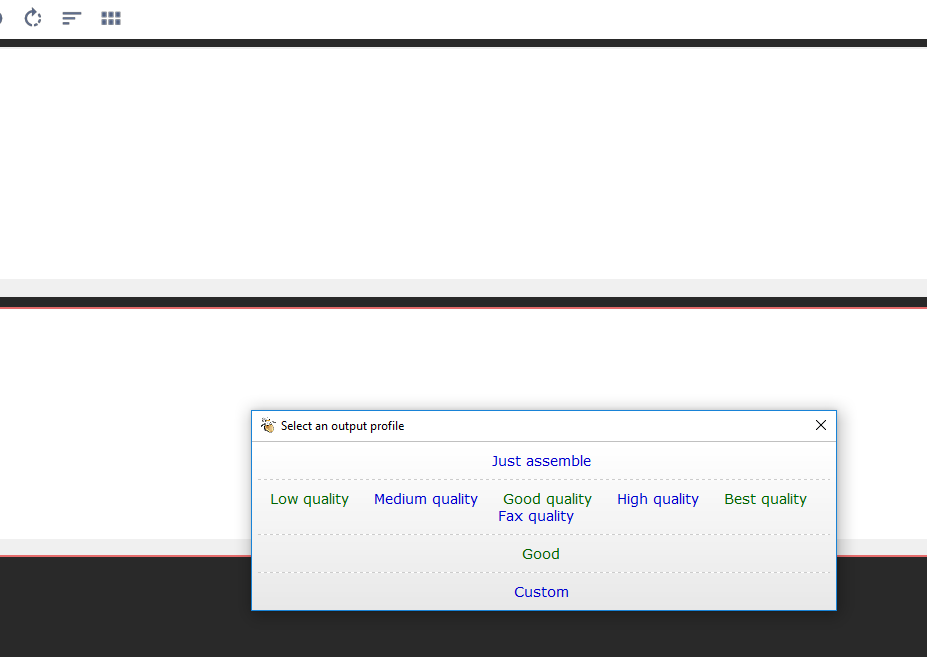
    I've had exactly the same problem after i changed computer and downloaded again PDF24. First i downloaded version 9.0, now i tried to update to 9,4 , but i am facing the same behaviour - i cannot drag/drop pages in the PDF-creater without being prompted to create an output file, and if follow the pop-up and select output file, stile the pages does not move. (click+hold+move with mouse trigger the problem the output file window)

    In old version of pdf24creater, at my old laptop, this was no issue and worked perfectly. Is it because i need to buy a licensed version now to use this feature?
    #60221
    Stefan Ziegler
    Keymaster

    The profile selection view is only displayed when a file is to be saved to disk. Moving pages from one file to another should not show this window. What happens, when you drag a page with the mouse into the area of another file? Normally, the insert position is shown visually. Is this the case? If not: what happens, when you move the mouse around? Do you see any visual effect?

Viewing 6 posts - 1 through 6 (of 6 total)
  • You must be logged in to reply to this topic.