Hello,
in "Edit PDF" of the PDF24 Toolbox:
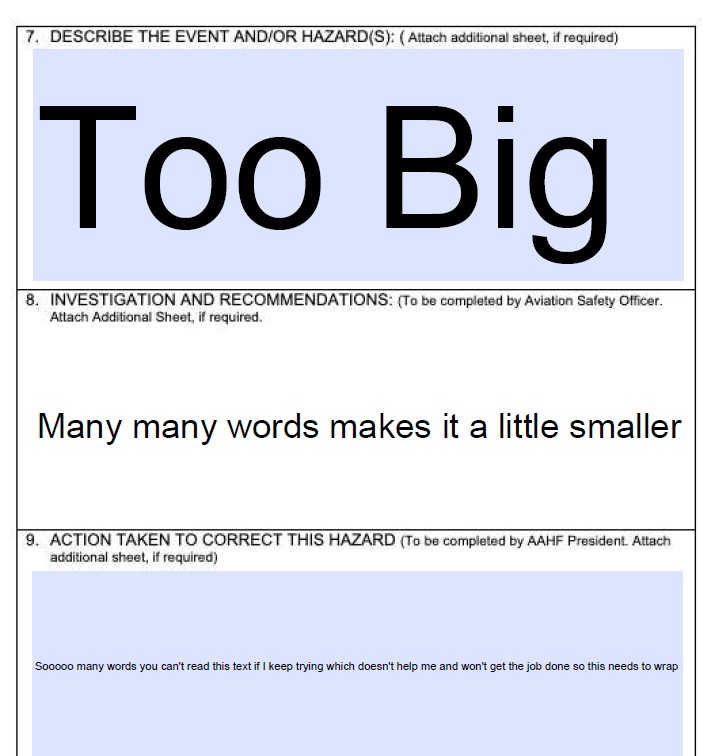
- Font size: click the text to select it and change the value in the "Font size" field in the toolbar. You can also drag a corner of the text to make it larger or smaller.
- Word wrap: text added with "Add text" does not wrap automatically. Press Enter where a new line should start.
Thank you for the suggestion of a text box with automatic word wrap, we will add it to our list.
If you meant a different tool, please let us know which one.